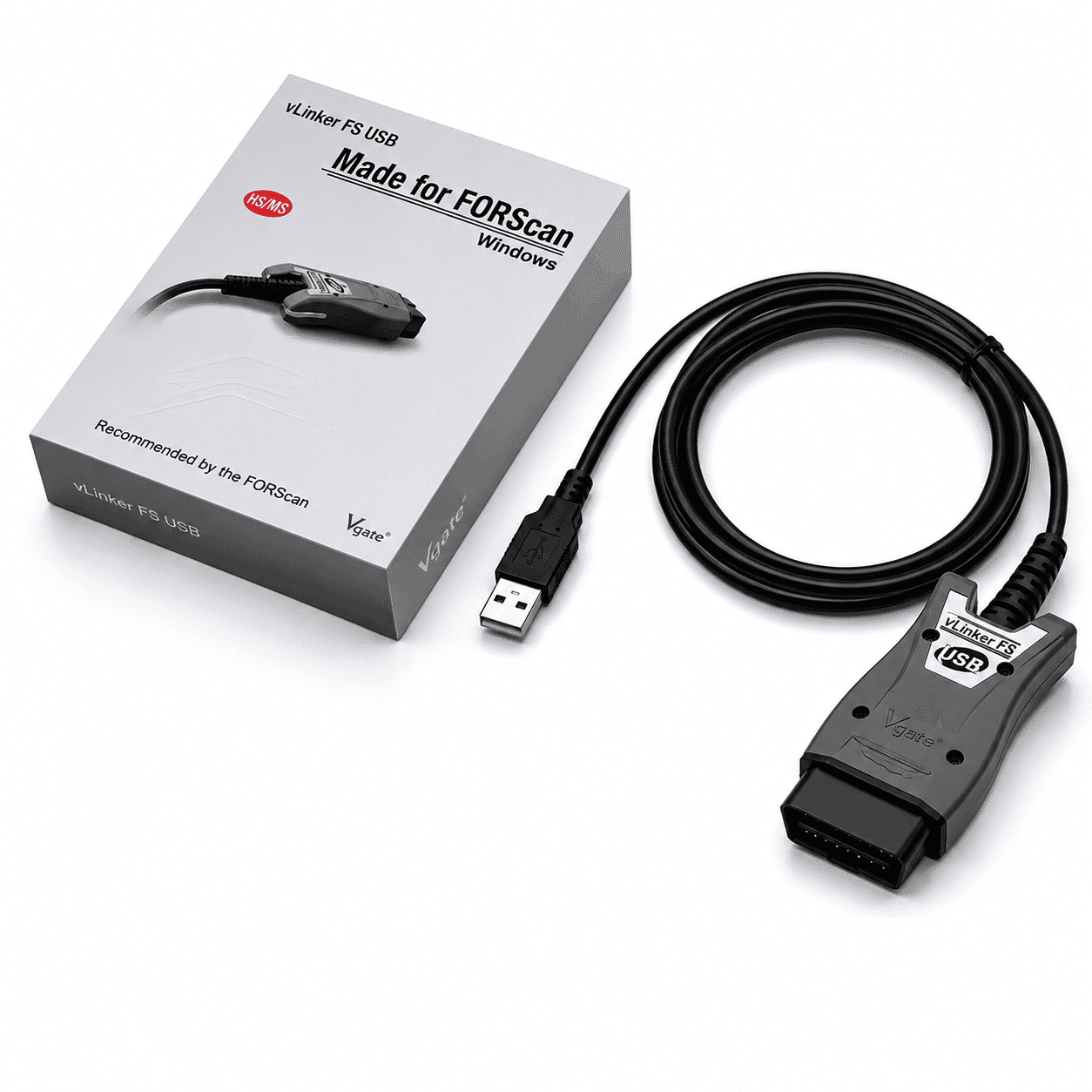
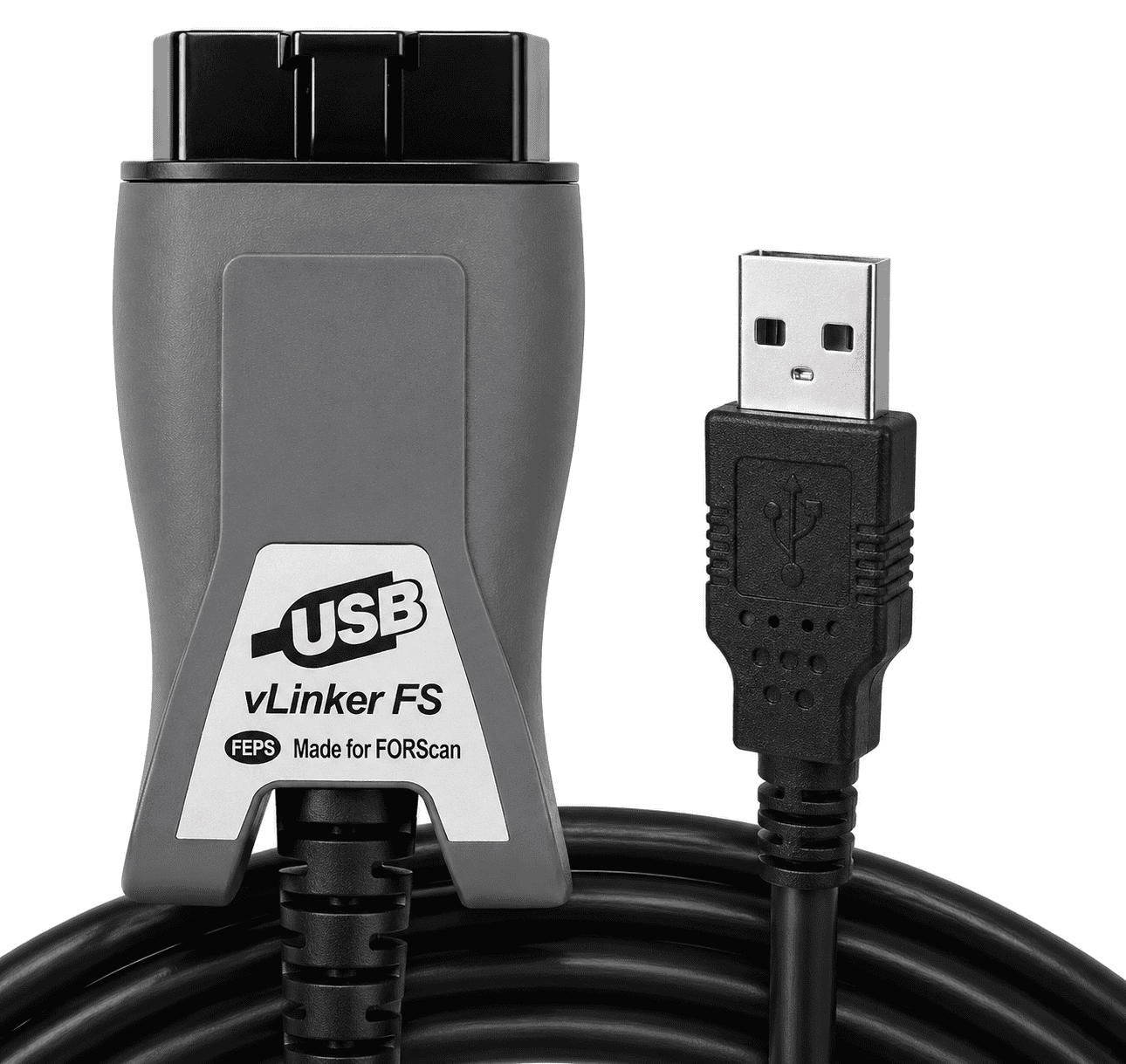
Vgate vLinker FS USB OBD2 Adapter for FORScan
The professional grade adapter recommended by the FORScan team for unlocking, configuring and programming your Ford. Built specifically for FORScan, with genuine FTDI hardware and automatic CAN bus switching, the vLinker FS gives you full access to every module on your vehicle, without the dropped connections, missing modules and dead end “manual switch” hassle of cheap ELM327 clones.
What It Is and What FORScan Does
The vLinker FS USB is the connector that links your vehicle to your laptop. It plugs into your Ford’s OBD2 port at one end and a USB port at the other. On its own it does nothing, it needs software running on your computer to do the work.
FORScan is that software. It is a diagnostic and configuration program that reads and clears fault codes, displays live sensor data, and lets you enable, disable and reconfigure dealer level features on Ford, Mazda, Lincoln and Mercury vehicles. The vLinker FS is the adapter the FORScan team recommend for getting the most out of it, including the advanced programming functions that cheaper adapters cannot reach.
Important: Software Not Included
This listing is for the vLinker FS connector only. It does not include the FORScan software. FORScan is a separate free download that comes with a 2 month free licence.
Download FORScan
The 2 month trial is genuinely free and fully functional, but our honest advice is to just buy the licence up front. A 1 year Extended Licence is only $20 (under £16), taxes and fees included. That is less than a tank of diesel for a full year of dealer level access, it supports the developers properly, and it means you are not rushing to get every job done before a trial clock runs out.
Buy a FORScan Licence
To be clear, AutoVolt Solutions has no connection to FORScan or its developers whatsoever, and we make nothing from this. It is simply a recommendation. I have personally bought and renewed a licence three times through the link above with no issues at all.
Why It Beats a Cheap Clone
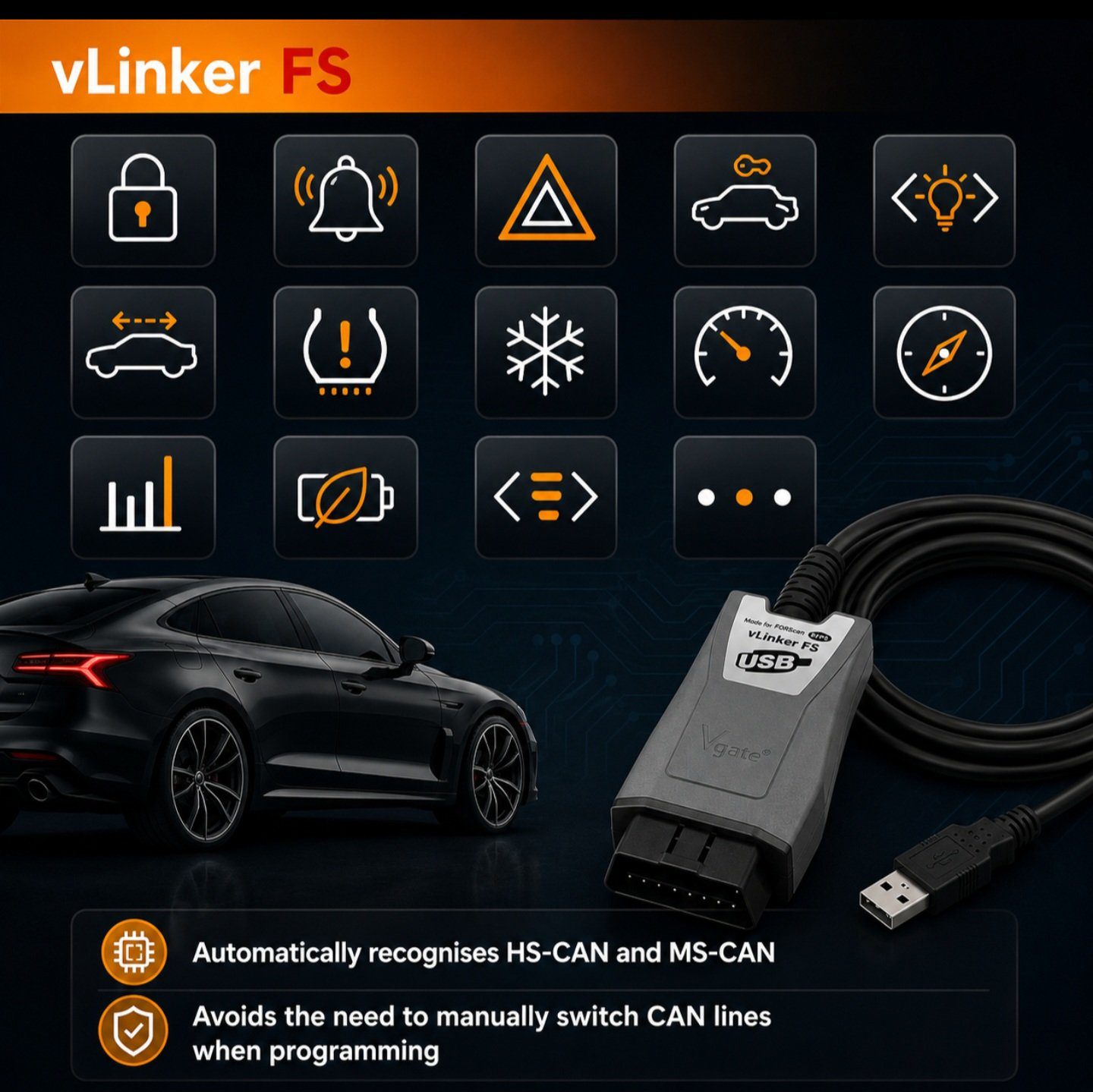
Most budget adapters only talk to one CAN bus at a time, so half your Ford’s modules stay out of reach. The vLinker FS switches between the High Speed (HS-CAN) and Medium Speed (MS-CAN) buses automatically, giving FORScan full access to every module at once. No toggle switch to flick, no guessing, no half finished jobs. The genuine FTDI chipset means a fast, rock solid connection with no dropped packets or corrupted data, the kind of reliability you need when you are programming a module rather than just reading a code.
Key Features
- Custom designed for FORScan and recommended by the FORScan team
- Automatic HS-CAN and MS-CAN switching, full access to all CAN buses at once
- FEPS 18V programming voltage output for module programming and configuration
- Genuine FTDI USB chipset for a fast, rock solid connection up to 3Mbps
- Large 8192 byte buffer and 4128 byte request handling for long frame communication
- BatterySaver auto standby, safe to leave plugged in without draining the battery
- 12V and 24V compatible
- Plug and play on Windows 7 to 11, 32-bit and 64-bit, USB 2.0 and 3.0
What You Can Do With It
Paired with FORScan, you can access a huge range of dealer level options, including:
- Enabling factory fitted but disabled features after an LED or accessory install
- Global window open and close, plus one touch windows
- Daytime running light behaviour and lighting options
- Body control, cluster, tyre pressure and convenience settings
- Reading and clearing fault codes across every module
Available options depend on your exact vehicle, model year and FORScan version.
Vehicle and Software Compatibility
| Makes |
Ford, Mazda, Lincoln, Mercury |
| Coverage |
99% of models from 2000, around 92% from 1996 |
| Software |
FORScan (also works with other ELM327 based software) |
| Operating System |
Windows 7, 8, 8.1, 10, 11 (32 and 64-bit) |
| Connection |
USB 2.0 and USB 3.0 |
FORScan is Windows only. There is no official Mac version, so you will need a Windows laptop or PC.
Technical Specification
| Interface |
USB |
| Chipset |
Genuine FTDI |
| Transmission Rate |
Up to 3Mbps |
| OBD Request |
Up to 4128 bytes |
| Serial Buffer |
8192 bytes |
| Operating Voltage |
12V and 24V |
| Programming Voltage |
FEPS 18V output |
| Standby |
Automatic BatterySaver |
Quick Start
- Download and install FORScan from forscan.org
- Install the FTDI VCP driver if Windows does not add it automatically
- Plug the adapter into your vehicle OBD2 port and into a USB port on your laptop
- In FORScan, set the connection type to FTDI, then connect
Use It With Care
FORScan is a powerful tool, not a toy. Changing the wrong setting can and will disable your vehicle. Always be certain of exactly what a change does before you apply it, and change only one thing at a time so you can put it back if something goes wrong.
There are plenty of guides on YouTube covering the common changes for specific vehicles, so please make use of them. Unfortunately AutoVolt Solutions cannot provide advice on using the software and cannot accept responsibility for any changes you make with it. Any configuration or programming you carry out is done entirely at your own risk.

Reviews
There are no reviews yet.